Best Monitors for Working From Home
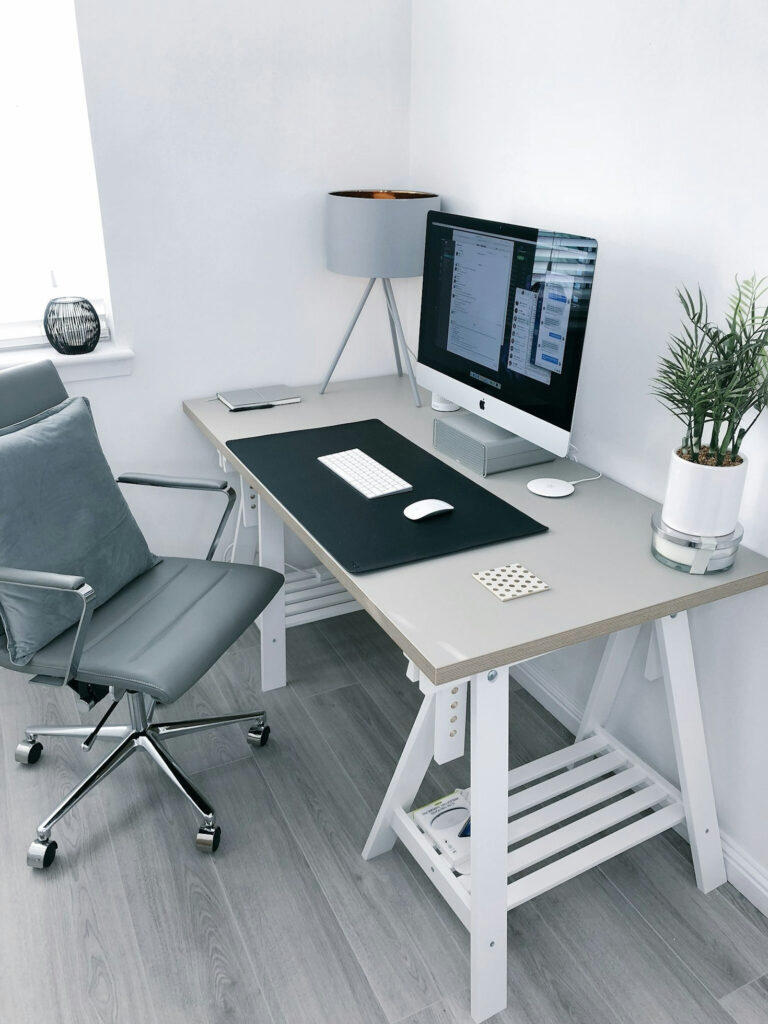
A well-chosen monitor can transform your daily work experience. If you spend several hours at a computer, screen clarity, panel quality, and ergonomic positioning directly affect how focused and comfortable you feel.
For many remote workers, using two or more monitors can significantly increase productivity: one screen for main work, another for email, documents, references, or meetings. Setup is usually straightforward—connect a second display via HDMI/DisplayPort/USB-C, align heights, and set your preferred display layout in system settings.
Our advice: prioritize eye comfort and practical workflow first, then resolution and advanced features. A monitor that reduces fatigue and helps you manage tasks faster is often a better choice than one with impressive specs you rarely use.
| Product name | Category | Link | Range | Key features | Why choose this |
|---|---|---|---|---|---|
| Dell UltraSharp U2723QE | Monitor | Amazon | Premium | 4K, USB-C hub, IPS Black panel | Excellent for professionals needing top clarity and color performance. |
| LG 27UP850-W | Monitor | Amazon | Medium | 4K IPS, USB-C charging, ergonomic stand | Strong all-round value for daily office work and multitasking. |
| BenQ GW2790QT | Monitor | Amazon | Medium | QHD, eye-care features, built-in speakers | Great choice for long sessions with reduced eye strain. |
| ASUS ProArt PA279CV | Monitor | Amazon | Premium | Factory-calibrated colour, USB-C, 4K | Ideal for design and detail-oriented professional workflows. |
| Philips 27E1N1100A | Monitor | Amazon | Budget | Very functional monitor, VGA/MDI and great value for money | Useful for monitor in a budget that requires good functionality. |
| KTC Gaming Monitor | Monitor | Amazon | Budget | 27″ IPS, clean image quality, strong value reviews | Popular low-cost option for reliable office productivity. Also great for gaming in a budget |
| LG 24MP400-B | Monitor | Amazon | Budget | 24″ Full HD, eye comfort modes, trusted brand | Great budget monitor with high purchase volume and good ratings. |
| Philips 24E1N1100A | Monitor | Amazon | Budget | 24″ IPS, excellent value | Well-reviewed for mixed office and everyday use. |
Portable Monitors: A Growing Trend for Travel and Flexible Work
Portable monitors are gaining momentum, especially for people who travel often, work between locations, or need a second screen without a fixed desk setup. They are lightweight, easy to connect with USB-C, and typically quick to deploy in cafes, hotels, or co-working spaces.
If portability matters more than maximum panel size, a good portable monitor can be a high-impact upgrade for mobile productivity. I started using it recently and I love them as an addition for when i need flexibility when I am travelling or working in different locations!
| Product name | Type | Link | Range | Why choose this |
|---|---|---|---|---|
| ARZOPA 15.6″ Portable Monitor | Portable Monitor | Amazon | Low-Medium | Strong value and easy USB-C setup for travel. |
| KYY 15.6″ Portable Monitor | Portable Monitor | Amazon | Medium | Popular lightweight option with solid user feedback. |